Having NIN Issues for NYSC? How to Fix Non-Appearance NIN Problems
Hello, future corps member! If you are reading this, you might be in that stressful situation where the National Identification Number (NIN) you used for your JAMB and school registration is different from your original, correct NIN. Maybe you used a “non-appearance” or “placeholder” NIN back then. Now, with NYSC registration (How to Get NERD Clearance Slip: NERD Clearance and NYSC Registration) around the corner, you are worried. Don’t panic! This is a common issue, and it can be sorted out. Let’s walk through what you need to do.
What Exactly is a Non-Appearance NIN?
First, let’s break it down simply. A “non-appearance” NIN is a number you might have used during JAMB or school registration when you didn’t have your proper NIN yet. Sometimes, to beat registration deadlines, students use any 11-digit number that looks like a NIN. This is not your official, verified number from the National Identity Management Commission (NIMC). Now, for your National Youth Service Corps (NYSC) registration, you must use your correct, verified NIN. The system checks this, and a mismatch can block your mobilization.
Why is Your Correct NIN So Important for NYSC?
The NYSC now strictly requires NIN for registration. It is used to verify your identity and ensure there are no issues with your data. If the NIN on your JAMB record, school record, and NYSC portal do not match, you will likely face a “data mismatch” problem. This can stop you from getting your call-up letter.
So, fixing this is not optional; it is a must-do for every prospective corps member.
Step-by-Step Guide to Swap Your Non-Appearance NIN
Fixing this requires action on two main fronts: with your institution and with the JAMB portal. Follow these steps carefully.
Step 1: Start with Your Institution (University/Polytechnic)
Your school’s records must be updated first. Visit your institution’s Student Affairs Division or the unit that handles NYSC mobilization.
- Explain clearly that you have a NIN discrepancy.
- They will likely ask you to write a formal letter stating the issue and provide proof of your correct NIN (your NIMC slip).
- They will then update your data in their system and on the NYSC Integrated Board Management System (IBMS) portal that they use.
Step 2: Correct Your JAMB Record
This is very crucial. You must ensure your JAMB profile reflects your correct NIN.
- Go to the official JAMB portal.
- Use the “Correction of Data” service. You will need to pay a fee for this.
- Select the option for updating your NIN or biodata.
- You will be required to provide your valid NIN. Follow the instructions to complete the process.
- After the change, print out your updated JAMB profile as proof.
Step 3: Double-Check Your NYSC Portal During Registration
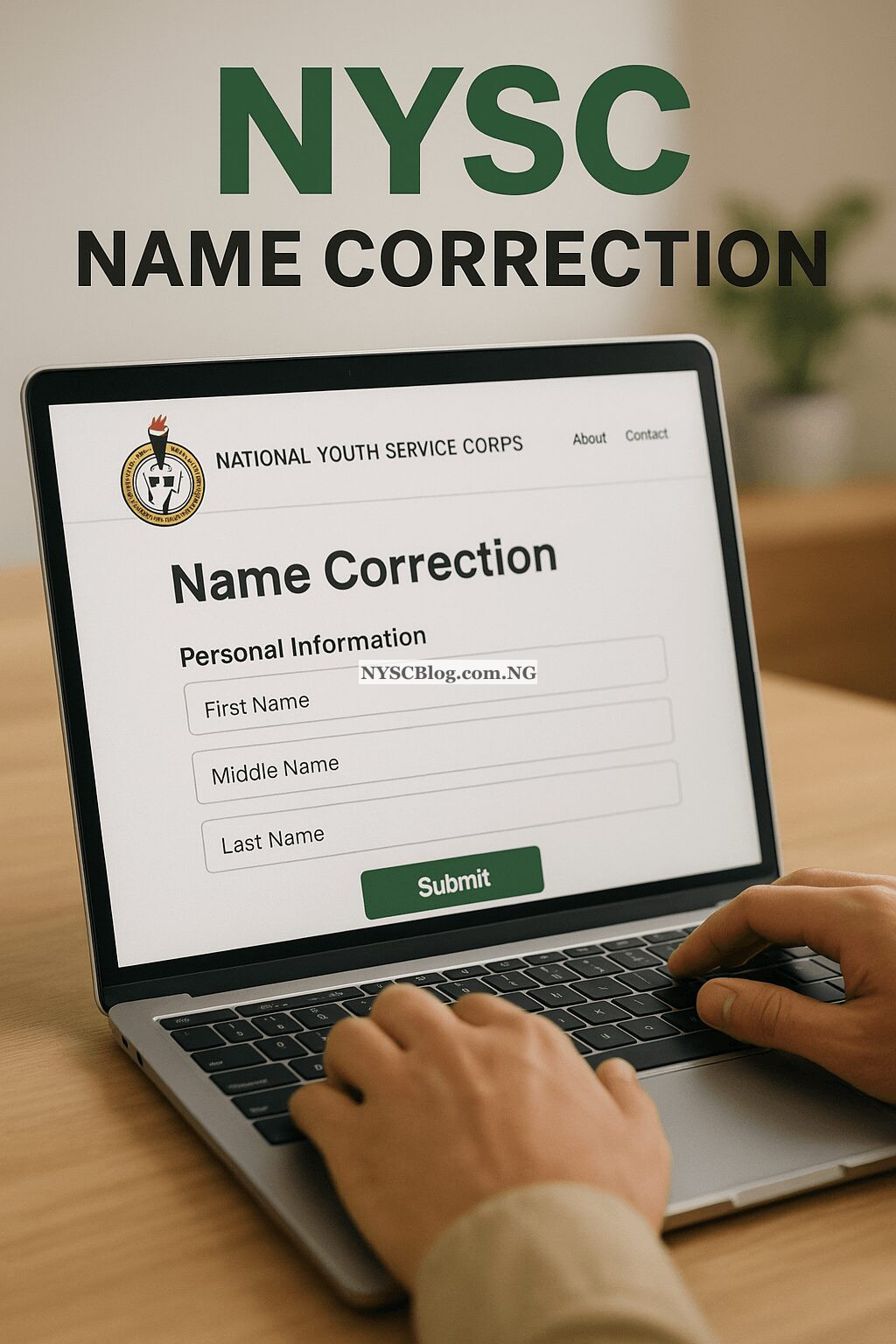
When it is time for your NYSC online registration, ensure you input the correct NIN. The system will try to verify it. If you have followed Steps 1 and 2, the verification should be smooth. If you still see an error, contact the NYSC help desk immediately through their portal or visit the NYSC state secretariat near you for guidance.
Important Things to Have Ready
- Your Original NIMC Slip: This is your number one proof of identity.
- Your JAMB Registration Details: Have your registration number handy.
- Your School Matriculation Details: Your matric number and course details.
- Patience and Time: Start this process early. Do not wait until the NYSC registration window is about to close.
Frequently Asked Questions (FAQs)
Can I go for NYSC if my NIN is wrong on my JAMB slip?
No, you cannot. NYSC will not mobilize you if there is a data mismatch. You must correct your NIN on your JAMB record first before proceeding with NYSC registration.
My school says they can’t change it. What do I do?
Politely escalate the issue. Ask to see a higher officer in the Student Affairs or ICT unit. Show them the official NIMC guidelines that insist on a single NIN. If there is extreme difficulty, you may need to visit the NYSC mobilization office in your school’s zone for advice.
Will I pay a fee for NIN correction on JAMB?
Yes. The JAMB data correction service attracts a fee. Check the JAMB portal for the current official amount and pay only through the approved channels.
How long does the JAMB NIN correction take?
It can take from a few hours to a few days to reflect. Do it well ahead of your NYSC registration to avoid last-minute stress.
I have two NINs, which one should I use?
You should only have one official NIN. If you have two, one is likely invalid. Visit any NIMC office to merge and de-duplicate your records to have one unique, verified NIN. Use that one for all your records.
Can I do NYSC registration without NIN?
No. NIN is a mandatory requirement for NYSC online registration (Complete Guide to NYSC Online Registration: Documents and Requirements ). You cannot complete the registration without providing a NIN that passes verification.
Who can I contact for help if I’m stuck?
You can contact:
– Your institution’s NYSC mobilization officer.
– JAMB support via their official help lines.
– NYSC help desk via the contact on their portal.
– NIMC support for NIN-related issues.
Final Advice
Dealing with NIN issues can be frustrating, but many corps members before you have sorted it out successfully. The key is to start early, be patient, and follow the official processes. Do not use third parties or “agents” who promise a quick fix, as they might complicate your problem. Use your correct NIN, get your records aligned, and look forward to a smooth NYSC registration process. We wish you the very best as you prepare to serve our great nation!