Hello fellow corper! If you’re reading this, you’ve probably spotted an error in your name on the NYSC portal. Perhaps your first name and surname are swapped, or there’s a spelling mistake. Don’t worry at all – this happens quite often and can be fixed. Just relax as we explain everything (NYSC PPA Explained: Everything You Need To Know About NYSC PPA) in simple, clear English.
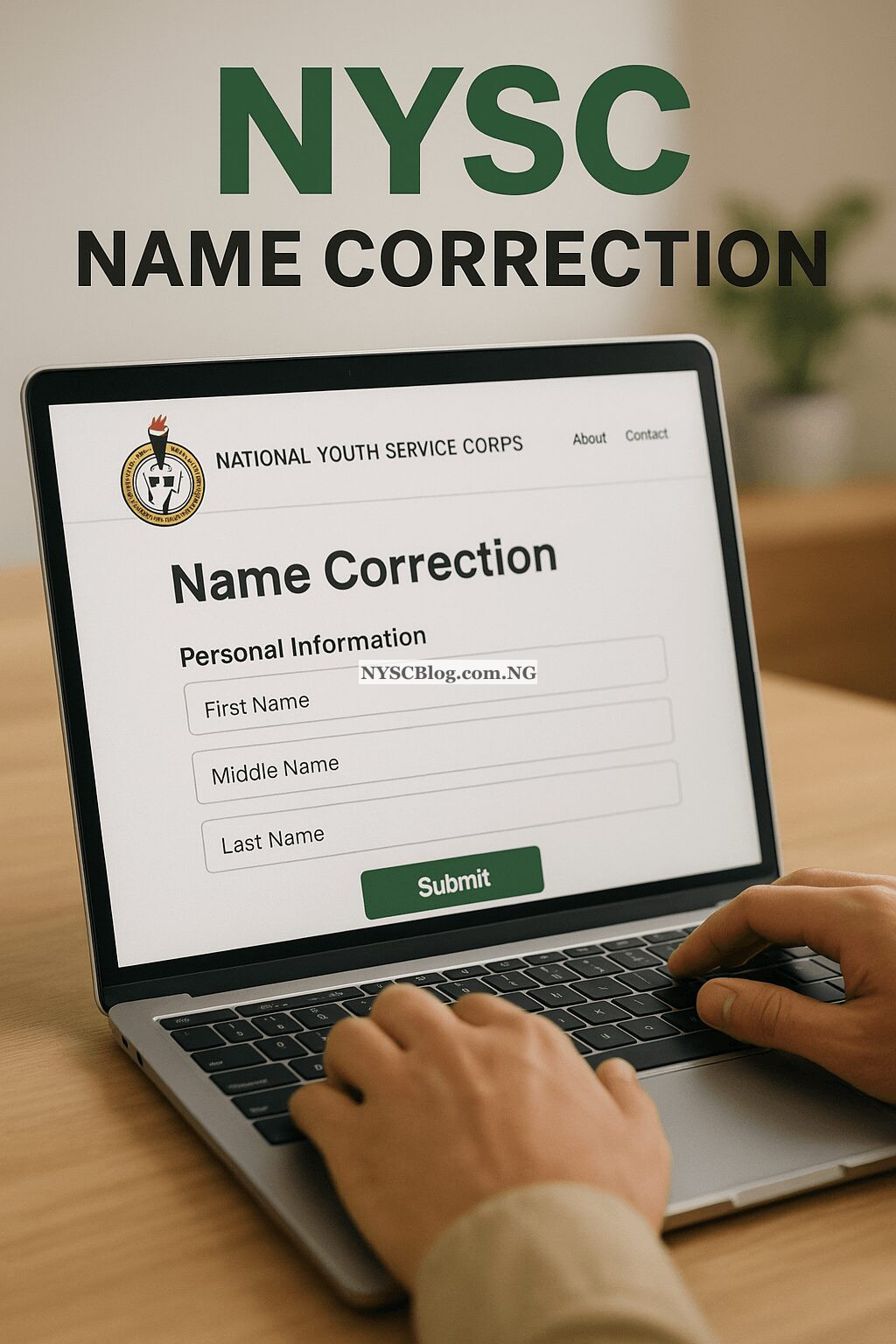
Why Your NYSC Name Must Be Correct
Before we discuss how to fix it, let’s understand why it’s so important. The name on your NYSC records must perfectly match the name on your WAEC certificate and your Degree or HND certificate. If they don’t match, you could face many problems at camp and even when collecting your allowance. So, if you see any mistake, it’s best to correct it quickly.
How to Correct Your Name on the NYSC Portal Online
Here are the steps you need to take to correct your name. Follow them carefully:
Step 1: Visit the NYSC Portal
First, open your phone or computer browser and go to this address: www.nysc.org.ng. Look for the login section for prospective corps members.
Step 2: Log In With Your Details
Enter the email address and password you used during registration. Click login to access your dashboard.
Step 3: Find the Name Correction Link
On your dashboard, look for an option like “Name Correction” or “Request for Name Correction”. It’s usually found in the side menu. Click on it.
Step 4: Complete the Name Correction Form
You will see a form. On this form, you need to enter:
- Wrong Name: The name that currently appears incorrectly.
- Correct Name: The accurate name exactly as it appears on your certificate.
- Reason for Correction: Briefly explain what happened, such as “Surname and First name were swapped” or “Spelling error”.
Step 5: Upload Your Documents
This is the most crucial part. You must upload clear copies of your credentials. They usually require:
- Your WAEC Certificate or Result Slip
- Your Degree or HND Statement of Result
- Any other supporting documents.
Ensure the names on these documents match the correct name you’ve written.
Step 6: Submit and Print the Form
After double-checking everything, click submit. Make sure to print the confirmation page or the completed form. Keep it somewhere safe.
FAQs About NYSC Name Correction
Here are answers to some common questions about name correction.
Can I Correct My Name After Online Registration?
Yes, you can. However, it’s better to do this before you travel to camp. If you’re already at camp, you can approach the ICT officials there for assistance. But it’s best to handle it from home.
How Long Will the Correction Take to Appear?
It isn’t immediate. It may take from a few days to two weeks. So, there’s no need to check your portal constantly. Just check it periodically.
What If My Name Doesn’t Match Any of My Certificates?
This is a more serious situation. In this case, you need to take all your documents to your institution so they can write an attestation letter or you may need to get an affidavit. You will then use that letter for the correction.
I’ve Submitted on the Portal, What Do I Do Next?
After submission, wait for NYSC to process your request. If it’s taking longer than expected, you can contact the NYSC help desk through their official email or phone number. Don’t let anyone pressure you into paying money – name correction is free.
Can I Change My Entire Name on the NYSC Portal?
No! NYSC does not allow you to change your name entirely. The name you’re correcting must be the one that appears on your certificates. You cannot use a completely different name that isn’t on your academic records.
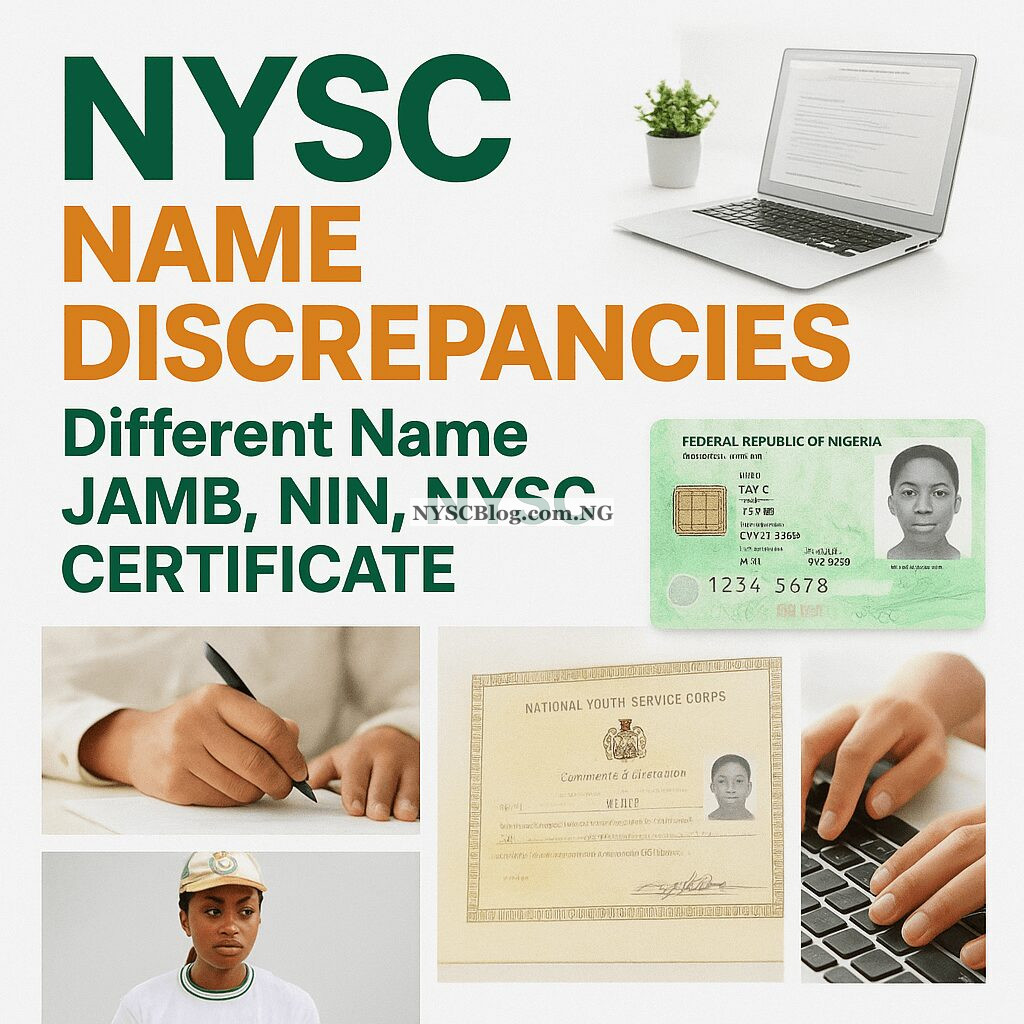
What If My Name is Different on My JAMB, NIN, or BVN?
This is a very important question. Your name must be consistent across all these platforms and must match your academic certificates. Any mismatch can cause serious problems, including:
- Inability to register on the NYSC portal (How to Correct Your Date of Graduation on NYSC Portal: Complete Guide) successfully.
- Rejection at the orientation camp during verification.
- Delays or issues with receiving your monthly allowance if your BVN details do not match.
To fix this, you must verify and correct each one individually before starting your NYSC registration:
- JAMB Correction: Visit the JAMB portal or a JAMB office to apply for a ‘Change of Name’.
- NIN Correction: Visit a NIMC office with a valid ID and possibly an affidavit to request an official correction.
- BVN Correction: Visit your bank branch with your NIN slip and an affidavit to align your BVN name with your corrected NIN name.
Can I Register for NYSC if My Statement of Result Has a Different Name Arrangement?
This depends on the type of difference.
- Spelling Mistakes or Rearrangement: If your names are all correct but spelled wrong (e.g., “Oluwasegun” instead of “Oluwaseun”) or swapped (e.g., “Etim Grace Samuel” on one document and “Etim Samuel Grace” on another), you can usually apply for a correction on the NYSC dashboard (How to Reset Your NYSC Dashboard Login Password: No Stress!).
- Addition or Removal of a Name: If a name is completely missing from your NYSC records that is on your certificate, or vice versa, you cannot fix this yourself on the portal. You will need to go back to your institution. Your school must formally communicate this request to the NYSC on your behalf.
Final Checklist Before You Register
To avoid any stress, make sure you do the following before you even start the NYSC online registration:
- Check JAMB, NIN, and BVN: Ensure the names on these records are identical.
- Cross-Check with Certificates: The name on these platforms must also match your WAEC and Degree/HND certificates exactly.
- Act Early: Corrections on JAMB, NIN, and BVN can take time to process, so start the verification process early.
Does NYSC Accept an Affidavit for Change of Name?
This is a very common question. The answer depends on your specific situation.
- For Minor Corrections: If you are correcting a simple spelling mistake or rearranging names that already appear on your certificates, you can usually do this directly on the NYSC portal without an affidavit. The portal process relies on your academic documents as proof.
- For Major Discrepancies: If there is a complete mismatch or a name is missing from your NYSC record that is on your certificate, the situation is more serious. In this case, an affidavit becomes necessary. You will likely need to support the affidavit with an official attestation letter from your institution. The affidavit alone may not be sufficient; your school must often formally communicate the correction to NYSC on your behalf.
Special Case for Married Women
There is good news for married female corps members! NYSC has updated its policy. You are no longer required to publish a change of name in a newspaper to be deployed to your husband’s state. Your marriage certificate is now the primary document needed to prove your name change and request concessional posting.
How Long Does It Take to Correct a Name on the NYSC Portal?
Name correction is not an instant process. After you submit your request on the portal, you need to be patient. It typically takes from a few days up to two weeks for the correction to be processed and reflected on your portal. There is no need to check your portal constantly; just check it periodically.
Can I Correct My Name Twice on the NYSC Portal?
It is highly advisable to get your name right the first time. The system is designed for correction, not for repeated changes. Making multiple corrections can lead to complications and delays. Always double-check your information before submitting any request.
Does NYSC Accept the Abbreviation of a Name?
No. NYSC requires that your full, official name as it appears on your academic certificates is used on the portal. Abbreviations are not allowed. For example, if your certificate says “Oluwaseun,” you cannot use “Seun” on your NYSC registration. The names must be an exact match.
Frequently Asked Questions (FAQs)
Can I correct my name after online registration?
Yes, you can. It is best to do it before you go to camp. If you are already at camp, you can approach the ICT officials there for help, but it is much easier to handle it from home.
What if my name is different on my JAMB, NIN, or BVN?
This is a critical issue. Your name must be consistent across all platforms. A mismatch can stop your registration. You must correct each one individually before NYSC registration. Visit the JAMB portal for JAMB correction, a NIMC office for your NIN, and your bank for your BVN.
I have submitted my request. What do I do next?
After submission, all you need to do is wait for NYSC to process your request. The process is free, so do not let anyone pressure you into paying money to speed it up.
Can I change my entire name on the NYSC portal?
No. The name correction feature is not for adopting a completely new name. The name you are correcting to must be the one that is visibly on your academic certificates.
What if my name does not match any of my certificates?
This requires action from your institution. You will need to get an attestation letter from your school, and you may also need an affidavit. You will then use these documents for the correction.
Final Advice
My friend, don’t let this name issue stress you. Just follow the steps we’ve provided, ensure your documents are in order, and submit your request on time. If you do this, you’ll go to camp with the correct name and enjoy your service year. Don’t forget to share this information with other prospective corps members who might have the same problem!
We wish you the very best for your service year (NYSC Rural vs Urban Area: Town or Village Better for Your Service Year?). One Nigeria!


Sorry please I have a problem. My official name is lekan but on my NIN it is Olalekan. Can I go ahead and register for NYSC with just lekan? I have with me an affidavit stamped stating that those two names belong to me as well as a newspaper publication also stating the same details.
Thanks so much pls.